
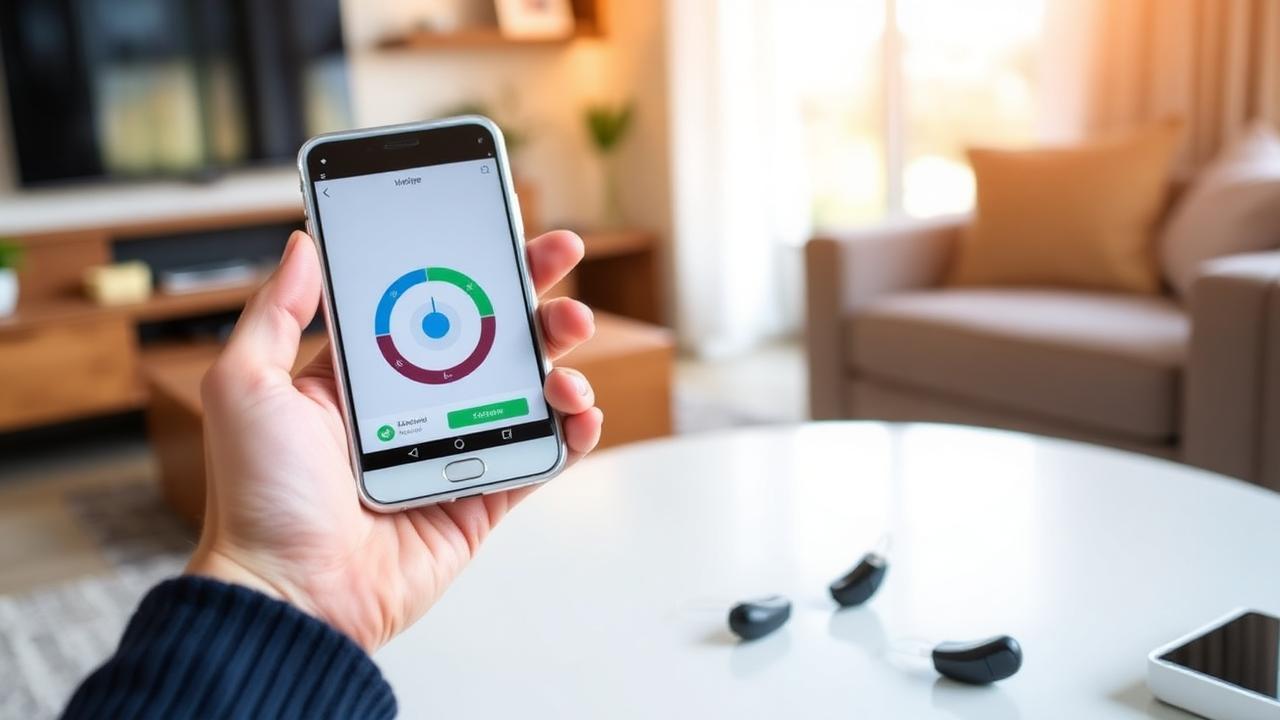
To connect hearing aids to a phone, open the devices' charger or switch them off and on to put them in pairing mode, then pair them through your phone's accessibility settings on iPhone or Bluetooth settings on Android. Once paired, calls, music and navigation play directly into both ears. If pairing fails repeatedly, the fix is usually a firmware update or an unpaired old connection — something we sort routinely at fitting appointments in Aylesbury.
What streaming actually gives you
- • Phone calls in both ears at once, at your prescribed amplification, which is far clearer than holding a handset to one ear.
- • Music, podcasts and audiobooks played directly into the devices.
- • Turn-by-turn navigation without headphones.
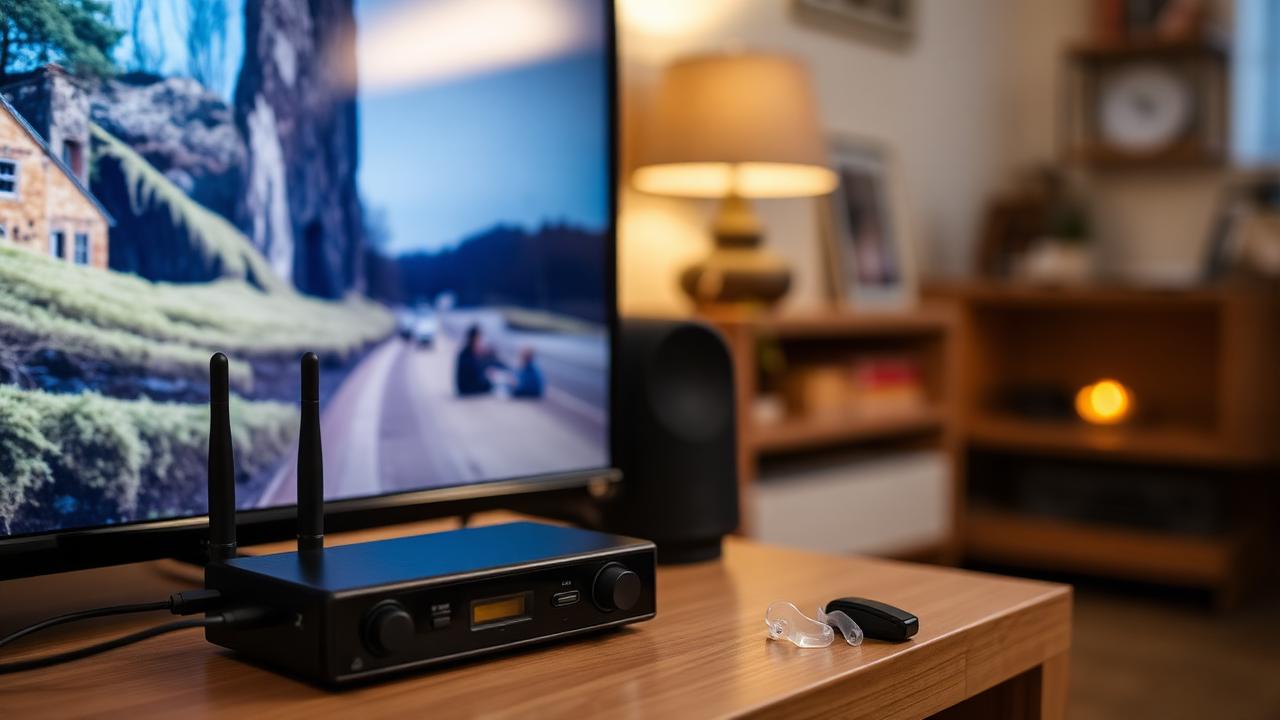
- • TV audio, via a small transmitter connected to the television.
- • Remote control of volume and programmes from a phone app.
- • Remote adjustments, where your audiologist can fine-tune settings without you travelling in.
Pairing with an iPhone
- Go to Settings, then Bluetooth, and make sure Bluetooth is on. Do not pair from this screen.
- Go back to Settings, then Accessibility, then Hearing Devices.
- Put your hearing aids into pairing mode — open and close the charger door, or switch them off and back on.
- Wait for your name to appear under Devices, then tap it.
- Tap Pair. If you have two devices, you will get two prompts, one per ear.
- Triple-click the side button any time afterwards to bring up hearing device controls.
Pairing with an Android phone
- Go to Settings, then Connected devices, then Pair new device.
- Put your hearing aids into pairing mode as above.
- Select your devices when they appear and confirm.
- Install the manufacturer's app and sign in — on Android more features live in the app than in the operating system.
- For ASHA-compatible devices, also check Settings, Accessibility, Hearing aids.
Bluetooth LE Audio and Auracast are appearing across newer hearing aids and phones, and will make public venue streaming — stations, theatres, airports — much simpler over the next few years.
Common problems and fixes
| Problem | Likely cause | Fix |
|---|---|---|
| Devices will not appear | Not in pairing mode | Off and on again, or open and close the charger |
| Only one ear connects | Second device paired to something else | Forget both, restart the phone, pair again |
| Audio cuts out walking around | Phone in a back pocket | Carry the phone on the same side or in front |
| Calls stay on the handset | Audio routing default | Choose your devices from the in-call audio menu |
| Pairing drops after an update | Phone OS update reset connections | Forget the devices and re-pair |
| App will not find devices | Firmware out of date | Update firmware — usually a clinic appointment |
If you struggle with the technology
Nobody should be left with an unpaired phone because the setup screens are confusing. Bring your phone and your devices to an appointment and we will pair them, install the app, set the sensible defaults and write down the steps. This is included in our hearing aid aftercare rather than charged separately — as is checking the fitting itself, because a well-paired device that is not delivering the right amplification is still only doing half its job.
Frequently asked questions
Clinical References & Sources
- RNID. Hearing aids and technology. rnid.org.uk
- NHS (2023). Hearing aids and implants. nhs.uk
- NICE (2018). Hearing loss in adults: assessment and management. NG98. nice.org.uk
Reviewed 27 July 2026. Next scheduled review: September 2026.